Features · 03
Every word, who said it, and when.
Turn audio and video into an editable transcript with speakers and word timings, or sync a script you already have to its recording for subtitles and karaoke lyrics.
In this group
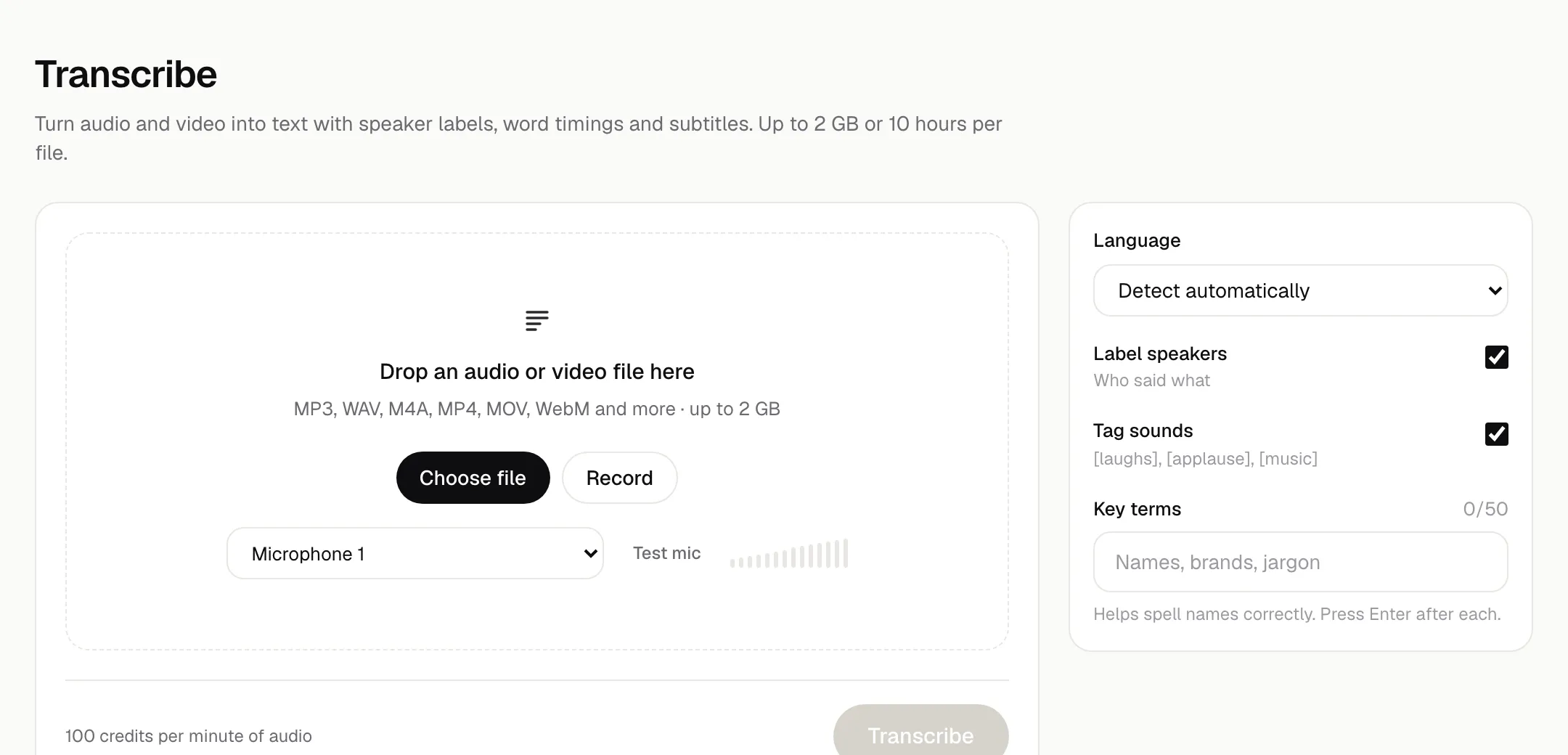
Transcribe
Audio and video to text with speaker labels, word timings, subtitles and Word export.
Limits
- Files up to 2 GB or 10 hours
- Record in the browser, or upload audio or video
What it does
- Detect the language automatically, or choose from 31, including Hindi, Telugu, Tamil, Bengali and Urdu.
- Speaker labels, word timings, and sound tags like [laughs] or [applause].
- Add up to 50 key terms so names and brands are spelled the way you write them.
- Edit in a transcript editor synced to the player: click a word to play from there, rename speakers, find text.
- A clean view hides filler words and sound tags.
- Export TXT, Word (DOCX), SRT, VTT or JSON.
app.cinara.ai/transcribe
Alignment
Sync a script to its recording: exact word timings, subtitles and karaoke lyrics (LRC).
Limits
- Scripts up to 100,000 characters
- Recordings up to 2 GB
What it does
- Paste the exact words, then add the audio or video.
- Every word gets a start and end time. Words that weren't heard clearly are flagged, with estimated timing.
- Karaoke-style playback with the current word highlighted.
- Export SRT or VTT (32, 37 or 42 characters per line, 1 or 2 lines), LRC lyrics, karaoke LRC with word timings, JSON, or text with line times.
- Shift every timing by up to 10 seconds either way.
Make the first thing today.
Start with 10,000 free credits. No card needed.
Sign-up needs a confirmed email and a verified phone number.